![mursion_mark_full-color_standard_1000pxw.png]](https://support.mursion.com/hs-fs/hubfs/mursion_mark_full-color_standard_1000pxw.png?height=28&name=mursion_mark_full-color_standard_1000pxw.png)
This article applies to the newer Pathways experience (white header with the M logo).
If you are using the legacy dashboard experience (blue navigation header), please see this article.
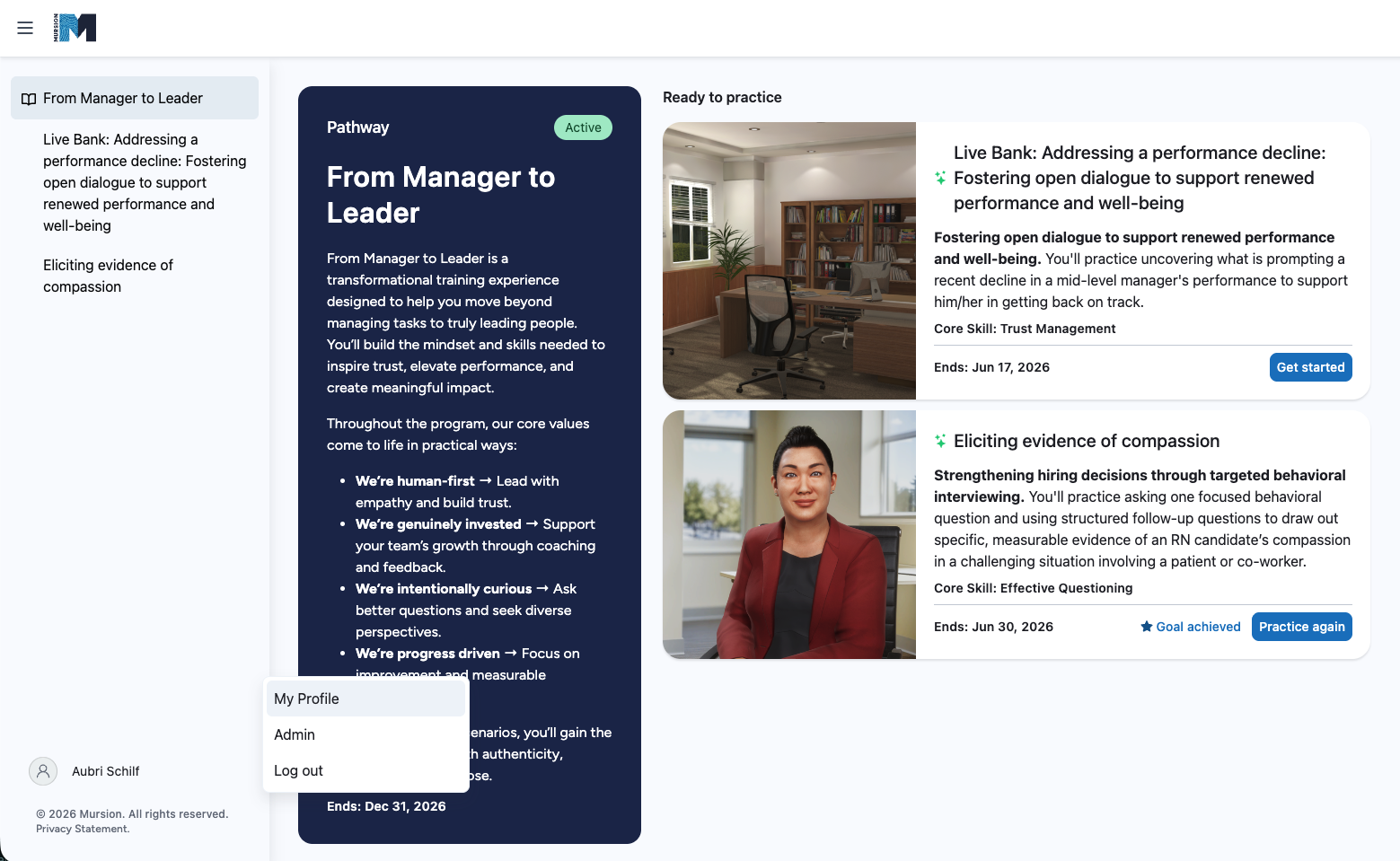
To access your profile from your pathway, click the hamburger menu in the upper-left corner to open your navigation pane.
At the bottom of the navigation pane, click your user name, then select My Profile.
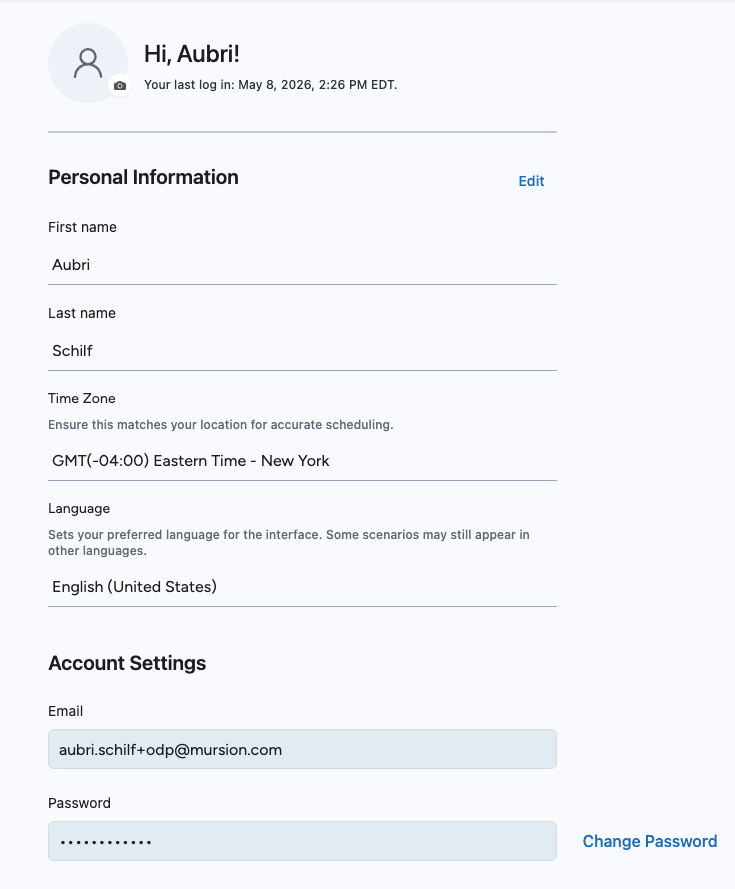
Your profile page will open. From here, you can:
- Click Edit to update your name, language, or time zone preferences.
- Click Change Password to update your account password.
Your email address can only be updated by your administrator.